
AI Tools
The 5 Best AI Photo Restoration Tools in 2025
Bring old, blurry, and damaged photos back to life. We compared the best AI photo restoration tools for quality, price, and ease of use — from free open-source apps to pro suites.
AI has made photo restoration accessible to everyone. What once took a Photoshop expert hours can now happen in seconds: faded faces sharpened, scratches removed, and black-and-white memories brought back in color.
We tested five of the best AI photo restoration tools for 2025. Whether you want a free one-click fix or professional scratch repair, here's the right tool for the job.
Last reviewed: January 2025 · 5 tools compared
Quick comparison
| # | Tool | Best for | Pricing |
|---|---|---|---|
| 1 | RestorePhotos | Anyone who wants fast, free, no-fuss photo restoration | Free (open source) |
| 2 | Remini | Mobile users who want one-tap HD enhancement | Free with limits; paid subscription |
| 3 | MyHeritage Photo Enhancer | Family history and genealogy projects | Limited free use; MyHeritage subscription |
| 4 | VanceAI Photo Restorer | Users who need scratch repair and batch control | Credit-based plans; free trial credits |
| 5 | Hotpot AI | Users who want restoration plus a wider image toolkit | Pay-as-you-go and subscription options |
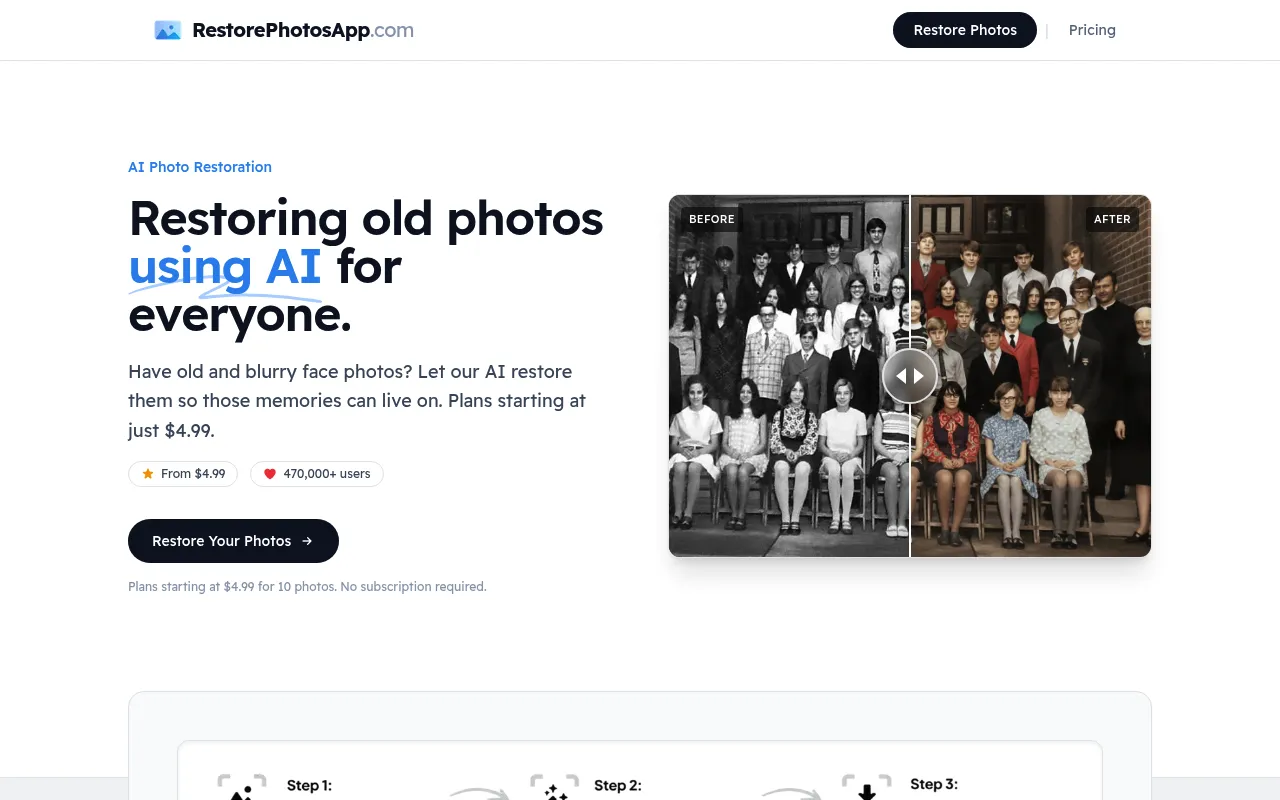
RestorePhotos
Top pickFree, open-source AI to restore old and blurry faces.
RestorePhotos is a beautifully simple AI tool that repairs old, blurry, or damaged photos — bringing faded faces back to life in seconds. Built as an open-source project, it's free to use, requires no sign-up hurdles, and produces impressive results with a single upload.
- Restores old and blurry faces in seconds
- Free and open source
- No complex editing — just upload
- Great results on faded family photos
Remini
Popular mobile app for HD photo and face enhancement.
Remini is one of the most downloaded photo-enhancement apps, using AI to sharpen low-resolution images, fix blur, and enhance faces. Its mobile-first experience and one-tap enhancements make it a favorite for quickly upgrading old snapshots and social photos.
- One-tap face and photo enhancement
- Strong mobile apps for iOS and Android
- Upscales low-resolution images
- AI portrait and background tools
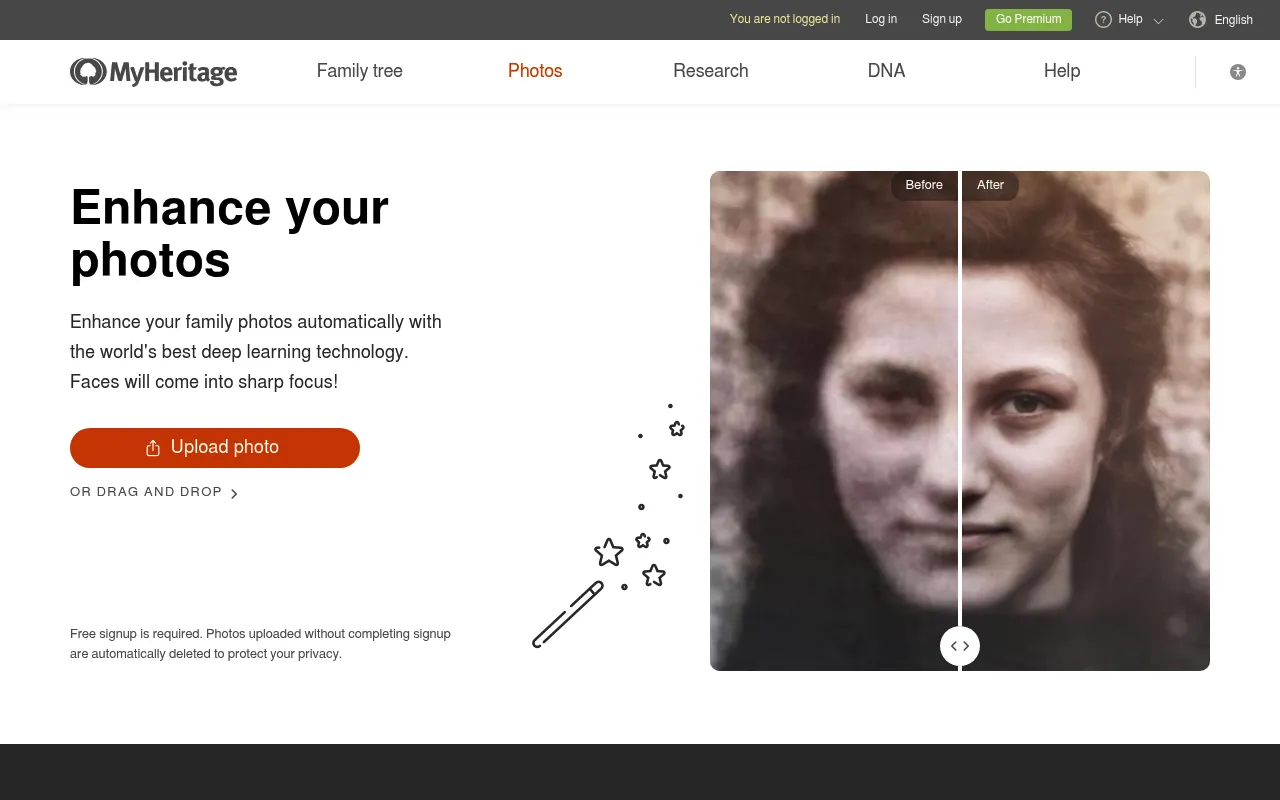
MyHeritage Photo Enhancer
Restore, colorize, and animate family photos.
MyHeritage offers a suite of AI photo tools built around family history — enhance blurry faces, colorize black-and-white images, and even animate old portraits. It's ideal for genealogy enthusiasts who want to revive and share ancestral photos.
- Enhance, colorize, and repair in one place
- Animate old portraits (Deep Nostalgia)
- Built for family history archives
- Batch processing for large collections
VanceAI Photo Restorer
Pro-grade restoration with scratch and damage repair.
VanceAI provides a full toolkit for photo restoration, including scratch removal, denoising, colorization, and upscaling. With both web and desktop apps plus API access, it's suited to users who need higher control and batch workflows.
- Scratch, tear, and damage repair
- AI denoise and sharpen
- Colorize black-and-white photos
- Web, desktop, and API access
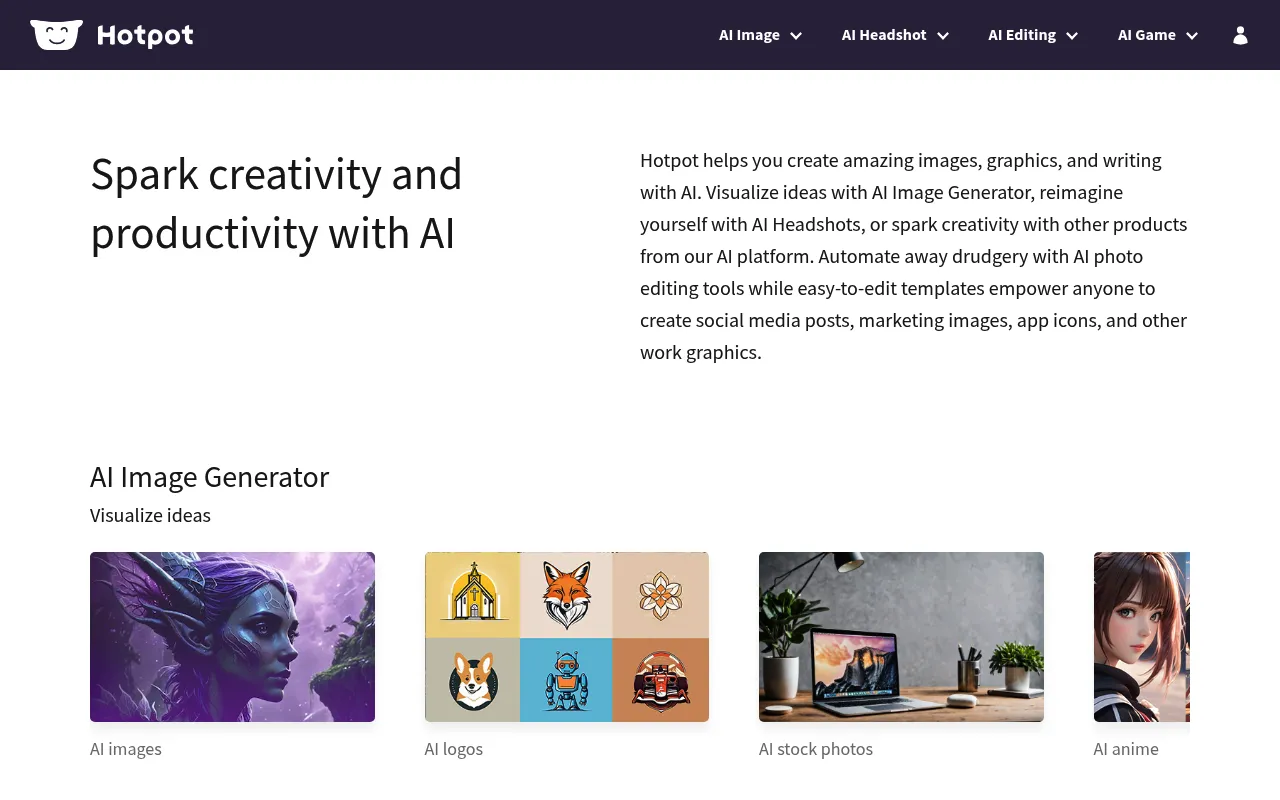
Hotpot AI
All-in-one AI image toolkit with photo restoration.
Hotpot bundles photo restoration into a broader AI image suite that also handles background removal, upscaling, and generative editing. It's a practical choice if you want restoration plus a range of other creative tools in a single, affordable platform.
- Restore and colorize old photos
- Background removal and upscaling
- Generative editing tools
- API for automation
How to choose an AI photo restoration tool
First, define the damage you're fixing. Blur and low resolution are the most common problems, and nearly every tool here handles them well — RestorePhotos and Remini in particular excel at reconstructing faces. If your photos have physical damage like scratches, tears, or missing sections, prioritize a tool with dedicated repair models such as VanceAI.
Decide whether you also want colorization or animation. Restoring clarity is one thing; bringing a black-and-white photo to life in color is another. MyHeritage and VanceAI both offer strong colorization, and MyHeritage's animation feature is a favorite for family history projects. If you only need to sharpen faces, a simpler free tool will do the job.
Consider volume and workflow. Restoring a single treasured portrait is a job for a free, one-click tool like RestorePhotos. Digitizing an entire shoebox of family photos is a different task — look for batch processing and higher-resolution exports, which paid tools like VanceAI, MyHeritage, and Hotpot provide.
Don't overlook privacy. You're uploading personal, often irreplaceable images, so read how each service stores and deletes them. Open-source tools like RestorePhotos offer extra transparency, and reputable paid services publish clear data-handling policies. When in doubt, test with a non-sensitive photo first.
Tips for the best restoration results
Start with the best possible source. If you're working from a physical print, scan it at 600 DPI or higher, or photograph it in bright, even light with no glare. AI can only reconstruct detail from the pixels it's given, so a sharp, well-lit source dramatically improves the final result.
Match the tool to the damage. Use a face-focused restorer like RestorePhotos or Remini for blur and low resolution, a dedicated repair tool like VanceAI for scratches and tears, and a colorization tool like MyHeritage for black-and-white photos. Running an image through the right specialist beats forcing one tool to do everything.
Restore before you enhance, and always keep your original. If you plan to colorize or upscale, fix the clarity first, then apply color or resolution boosts. Because restoration is non-destructive when you work from a copy, you can safely try several tools and keep whichever result looks best.
How we evaluated these tools
We judged each tool on restoration quality (how natural faces and details look after processing), the range of fixes offered (blur, scratches, colorization, animation), ease of use, batch and resolution capabilities, privacy, and price. We favored tools that deliver strong results with minimal effort, since most people restoring old photos aren't professional retouchers — they just want their memories to look their best.
Frequently asked questions
What is the best free AI tool to restore old photos?
RestorePhotos is the best free option — it's open source, requires no payment, and restores old or blurry faces in seconds with a single upload. It's the easiest way to try AI photo restoration risk-free.
Can AI really fix blurry and damaged photos?
Yes. Modern AI models are trained to reconstruct faces, remove blur, repair scratches, and colorize black-and-white images. Tools like RestorePhotos, Remini, and VanceAI can produce remarkable results, though very heavily damaged photos may still need manual touch-ups.
Which tool is best for colorizing black-and-white photos?
MyHeritage and VanceAI both offer strong colorization, and Hotpot includes it too. For family history photos specifically, MyHeritage's colorization and animation features are especially popular.
Are AI photo restoration tools safe with my private photos?
Reputable tools publish privacy policies describing how uploads are handled and deleted. Open-source options like RestorePhotos offer added transparency. Always review a tool's privacy policy before uploading sensitive images.
What resolution should my scanned photo be for best results?
Scan old prints at 600 DPI or higher when possible. AI restoration works from the pixels it's given, so a higher-quality scan produces a noticeably better result. Even a clear phone photo of the print in good, even lighting will outperform a low-resolution or shadowed capture.
Can AI restore a photo of someone who has passed away?
Yes — AI face restoration can sharpen and clarify faces in old or damaged photos, which is why these tools are so popular for preserving family memories. Tools like RestorePhotos and MyHeritage are frequently used to bring cherished portraits of loved ones back to clarity, and MyHeritage can even colorize and gently animate them.
Free vs paid photo restoration — is paid worth it?
For a quick fix, the free, open-source RestorePhotos is often all you need. Paid tools become worth it when you have many photos to process, need scratch and tear repair (VanceAI), want colorization and animation (MyHeritage), or need higher-resolution exports and batch workflows.
The bottom line
For a fast, free, no-sign-up fix, RestorePhotos is our top pick — upload a photo and watch faded faces come back to life in seconds. Reach for Remini if you prefer a polished mobile app, MyHeritage for colorizing and animating family history, and VanceAI when you need serious scratch and damage repair with batch control. Start free, and only pay when your project's scale or the type of damage demands it.
Made an AI photo tool?
List your app on our directory to earn a permanent dofollow backlink, an AI-powered review, and visibility across Google and AI search engines.