
Design Tools
The 11 Best Free Favicon Generators in 2026
From text and emoji makers to pixel editors and full cross-platform packages — here are the best free favicon generators to create ICO, PNG, and SVG icons for every browser and device.
Your favicon is the smallest piece of branding on your site and one of the most visible — it sits in every browser tab, bookmark, and even Google's mobile search results. A crisp, recognizable favicon makes your site look finished and helps people find your tab in a crowded window; a missing or blurry one quietly undercuts all of it.
The good news is that you don't need a designer or expensive software to get one. We tested the best free favicon generators for 2026 — covering text, emoji, image upload, pixel drawing, and full multi-platform packages — and ranked them by how quickly they get you a clean, standards-compliant favicon. Below you'll also find favicon size and format best practices, plus how to install one on any site.
Last reviewed: July 2026 · 11 tools compared
Quick comparison
| # | Tool | Best for | Pricing |
|---|---|---|---|
| 1 | Favicon.io | Developers who want a text, emoji, or image favicon in seconds | Free |
| 2 | RealFaviconGenerator | Teams that need pixel-perfect icons on every device and browser | Free |
| 3 | Favicon.cc | Designers who want full pixel-level control over a tiny icon | Free |
| 4 | Favicon-Generator.org | Anyone who wants a complete size set from one upload | Free |
| 5 | Favicomatic | Sites that need maximum backward compatibility | Free |
| 6 | Genfavicon | Users whose source image needs cropping before export | Free |
| 7 | Formito Favicon Generator | Founders who want to design a minimalist favicon, not upload one | Free |
| 8 | IONOS Favicon Generator | Users who want drawing, upload, and initials in one free tool | Free |
| 9 | Favicon by Canva | Designers who want full creative control over the artwork | Free plan; paid Pro tiers available |
| 10 | Favvy | Designers who want to generate favicons from Figma | Free |
| 11 | ConvertICO | Anyone who already has artwork and just needs the ICO format | Free |
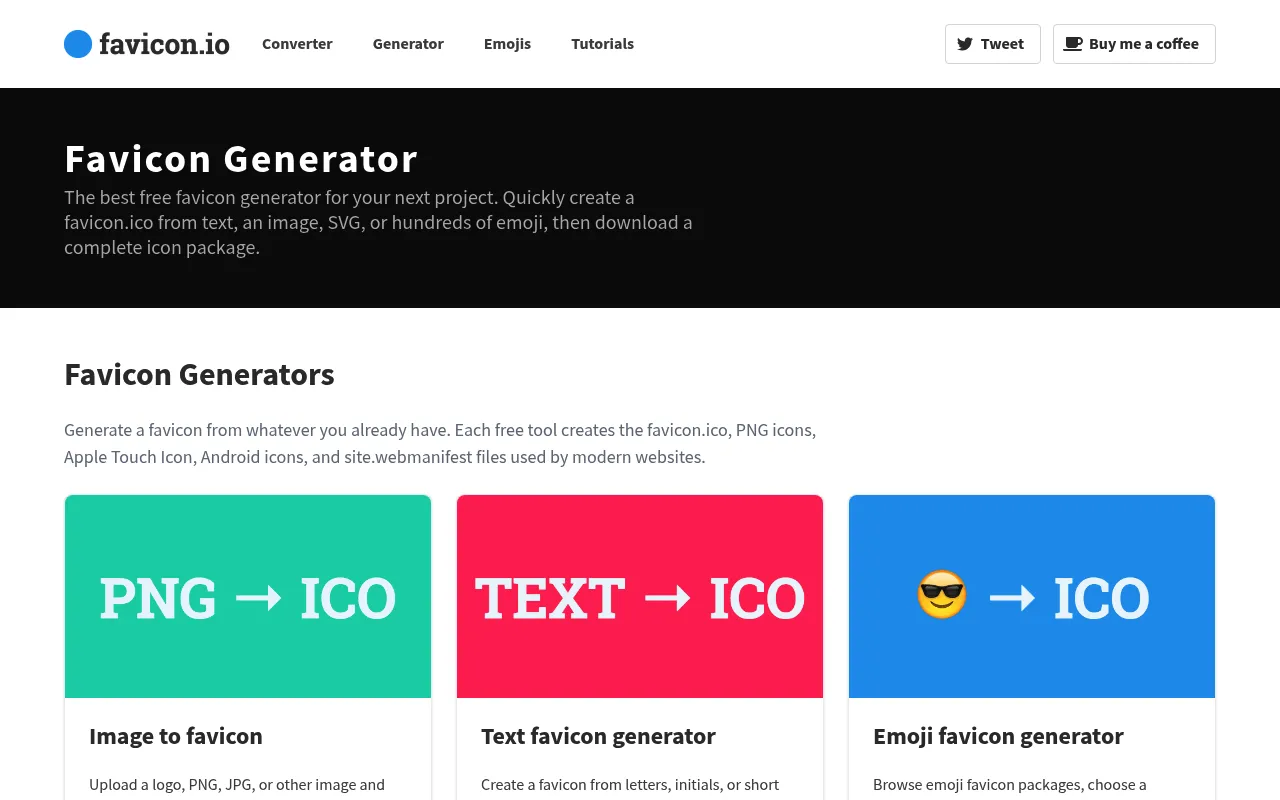
Favicon.io
Top pickThe fastest way to turn text, an emoji, or an image into a favicon.
Favicon.io is the tool most developers reach for first, and for good reason. You can generate a complete favicon package from plain text (pick a font, colors, and shape), from an emoji, or from an existing PNG or JPG. Every download ships as a ready-to-use ZIP with the ICO file, multiple PNG sizes, an Apple touch icon, and a copy-paste HTML snippet — so you can go from idea to installed favicon in under a minute.
- Text-to-favicon with font, color, and shape controls
- Emoji-to-favicon generator
- Complete ZIP with ICO, PNGs, and Apple touch icon
- Ready-made HTML snippet included
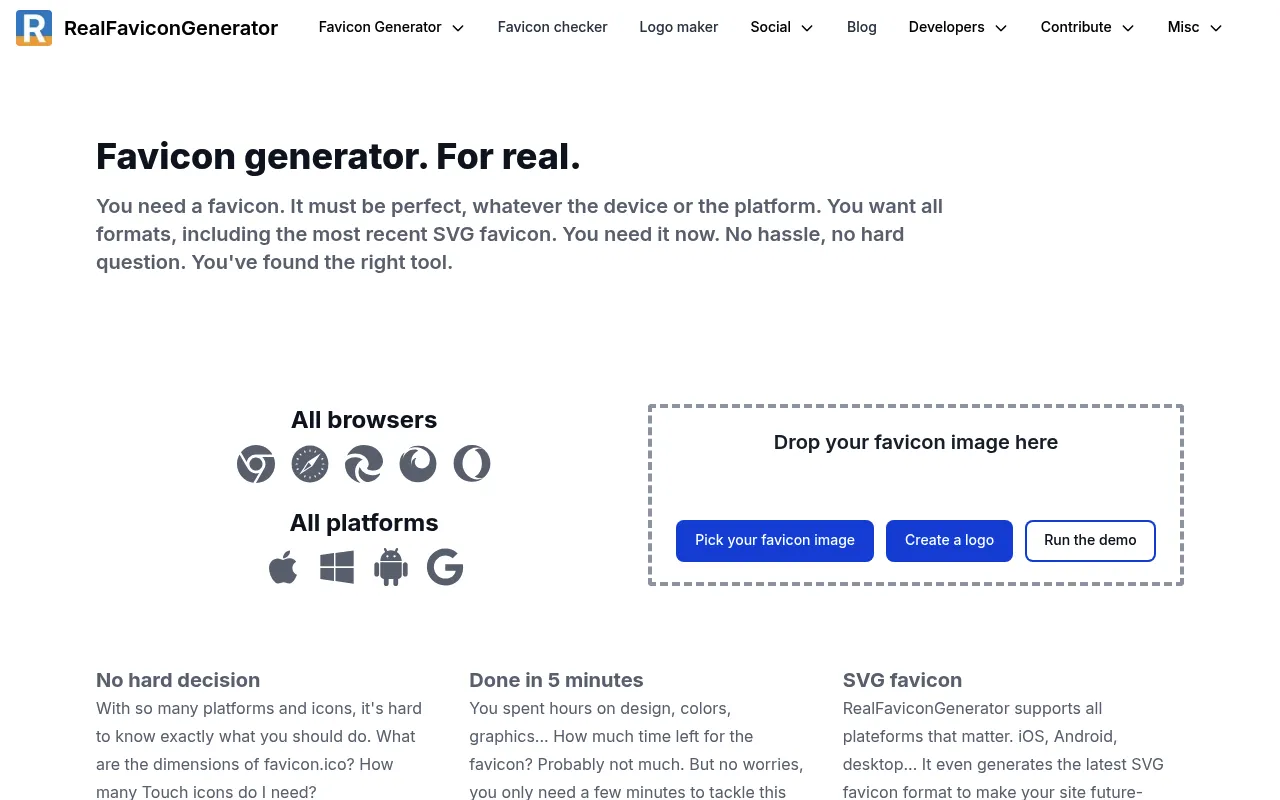
RealFaviconGenerator
The most thorough cross-platform favicon generator on the web.
RealFaviconGenerator is the gold standard when you care about every platform. Upload a single high-resolution image and it produces optimized icons for desktop browsers, iOS, Android, Windows tiles, and macOS Safari — with a live preview of exactly how your favicon will look on each. It also generates the web app manifest and lets you fine-tune backgrounds, margins, and theme colors per platform, then bundles everything with a compatibility checker.
- Per-platform previews for iOS, Android, and desktop
- Generates web app manifest and browserconfig
- Fine-tune margins, backgrounds, and theme colors
- Built-in favicon checker to validate your setup
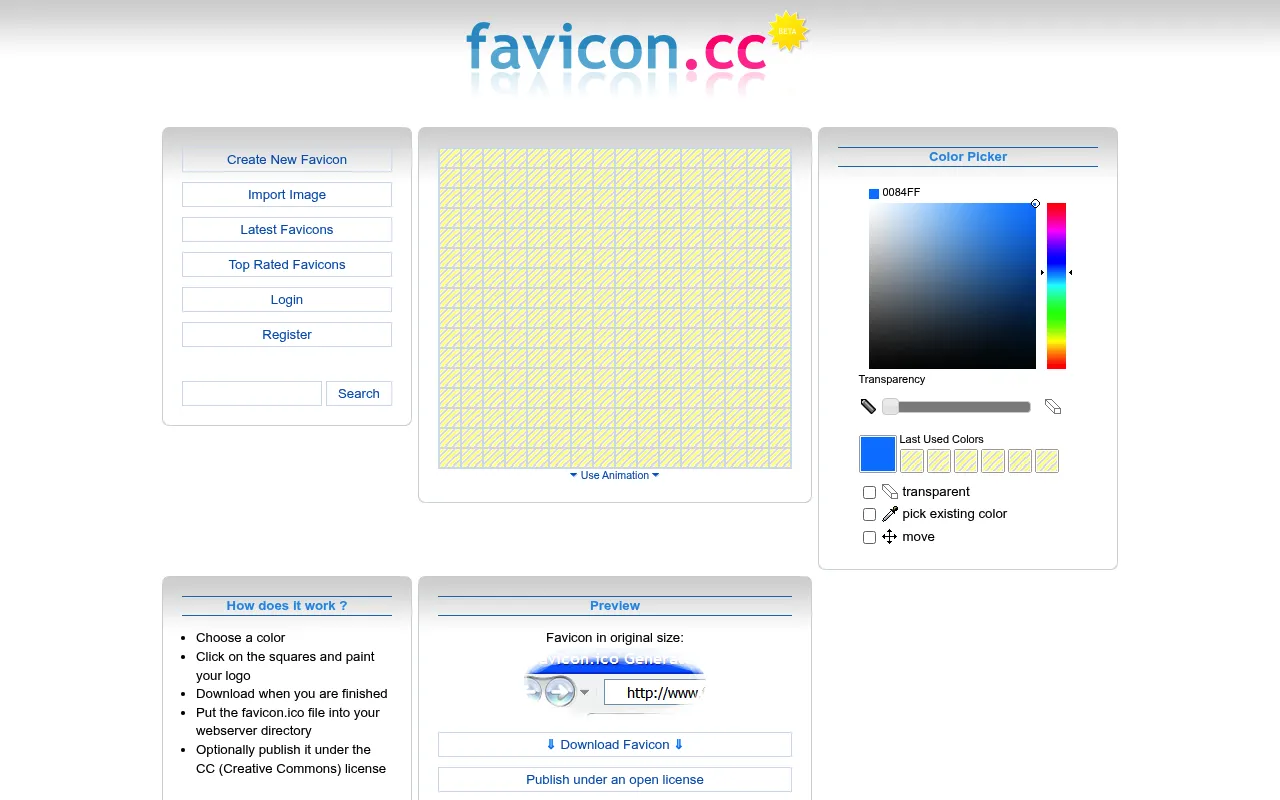
Favicon.cc
A pixel-by-pixel editor for designing favicons from scratch.
Favicon.cc is a throwback in the best way — a browser-based 16×16 pixel canvas where you draw your favicon one pixel at a time. It's perfect when you want a crisp, deliberately pixel-art mark rather than a shrunk-down logo. You can import an existing image to trace over, preview it live in a mock browser tab, and browse a large gallery of community-made icons for inspiration.
- Hands-on 16×16 pixel drawing canvas
- Import an image to trace
- Live browser-tab preview
- Large community gallery to remix
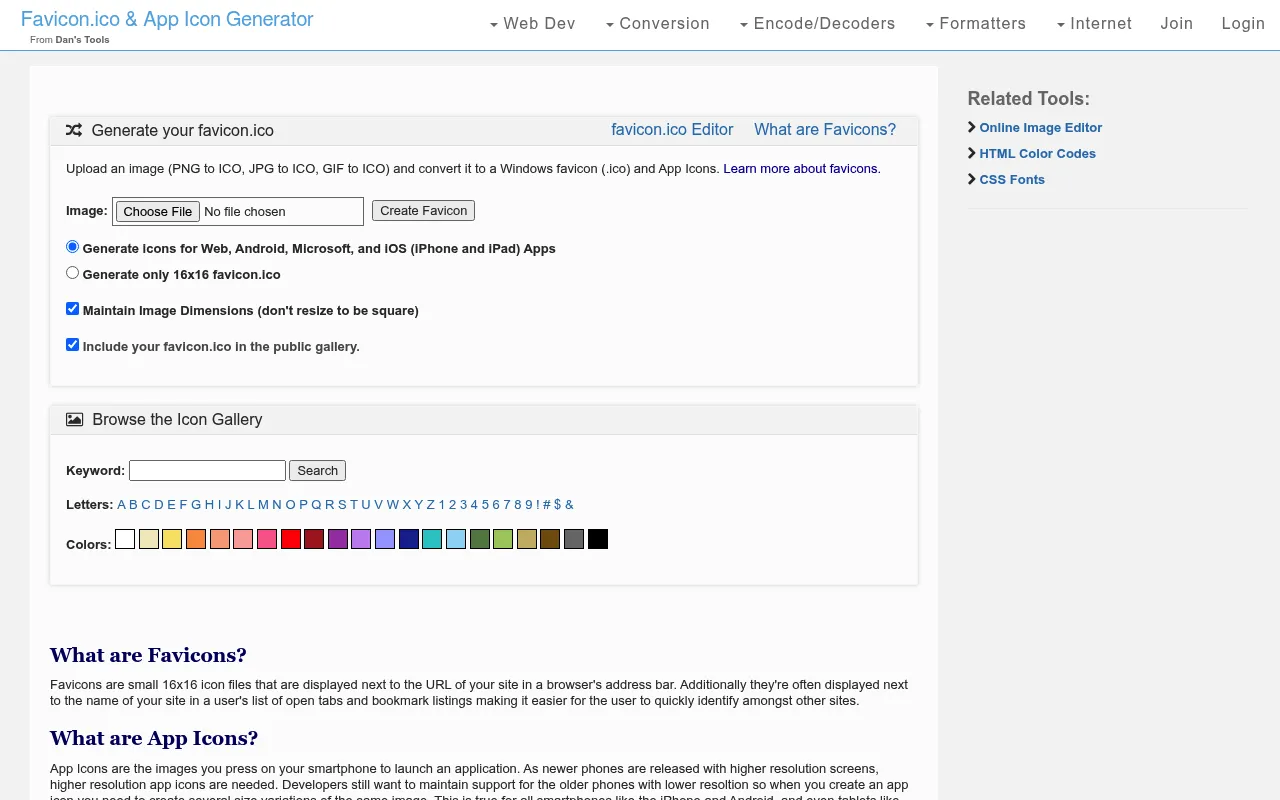
Favicon-Generator.org
Upload one image and get every favicon size instantly.
Favicon-Generator.org keeps things refreshingly simple: drop in a single image and it spits out a full set of favicons in all the sizes desktop and mobile browsers expect, from 16×16 up to the large Apple and Android touch icons. It also hands you the exact HTML tags to paste into your <head>, making it a reliable no-frills choice when you just need the standard package fast.
- Generates all standard favicon sizes at once
- Includes Apple and Android touch icons
- Copy-paste HTML tags provided
- No account or sign-up needed
Favicomatic
Every favicon format and size, exhaustively covered.
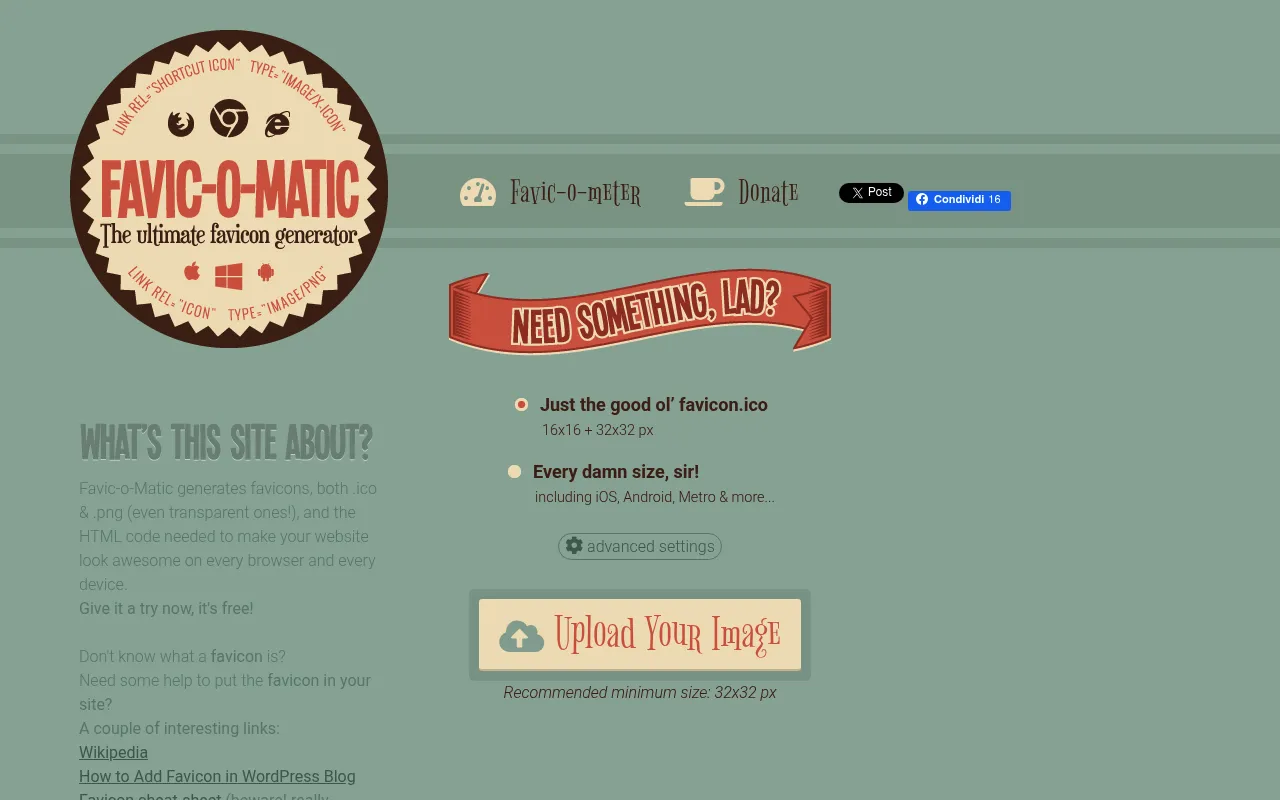
Favicomatic errs on the side of completeness. Upload your artwork and it generates an exhaustive set of icons and the matching markup covering legacy browsers, iOS, and Windows tiles — including sizes some newer tools skip. If you support older devices or simply want the maximum-compatibility bundle without thinking about which sizes you might have missed, Favicomatic has you covered.
- Exhaustive size and format coverage
- Legacy browser and Windows tile support
- Full HTML markup generated for you
- One-click ZIP download
Genfavicon
Upload, crop, and export a favicon without leaving the page.
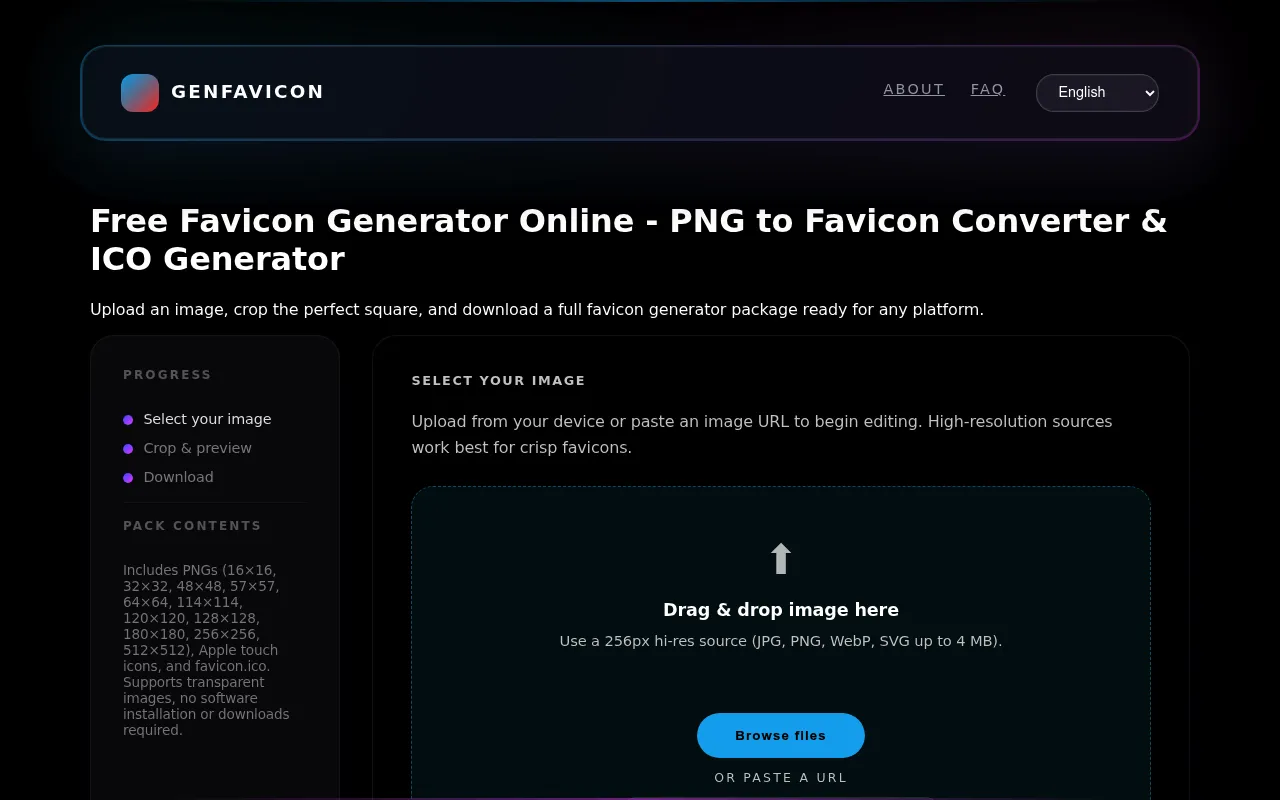
Genfavicon adds a small but genuinely useful step to the usual flow: an in-browser cropper. Upload any image, drag to frame the exact area you want, choose your output size, and download the ICO — all without opening a separate image editor first. It's a great fit when your source graphic isn't already square and you'd rather not fire up Photoshop just to trim it.
- Built-in image cropper
- Choose your export size
- Works entirely in the browser
- Fast ICO download
Formito Favicon Generator
Design clean, minimalist favicons with text and shapes.
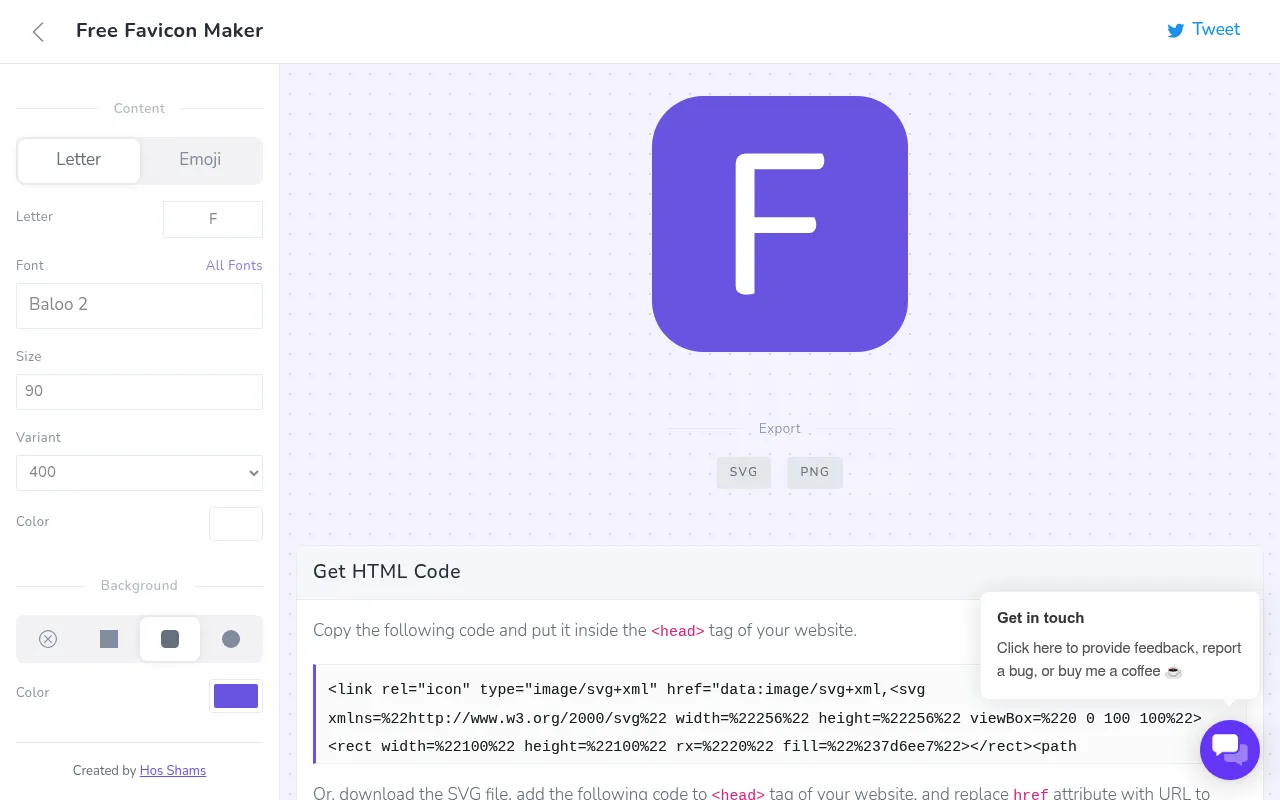
Formito's free favicon maker is built around design rather than upload. You start from a blank canvas and combine a background shape, a color palette, and either a letter or a simple icon to compose a modern, minimalist favicon on the spot. Because you're designing directly in the browser with sensible defaults, it's an easy way for non-designers to produce something that looks intentional and on-brand.
- In-browser design canvas
- Background shapes and color palettes
- Letter- or icon-based marks
- Modern, minimalist output
IONOS Favicon Generator
Draw, upload, or build a favicon from initials — free, no login.
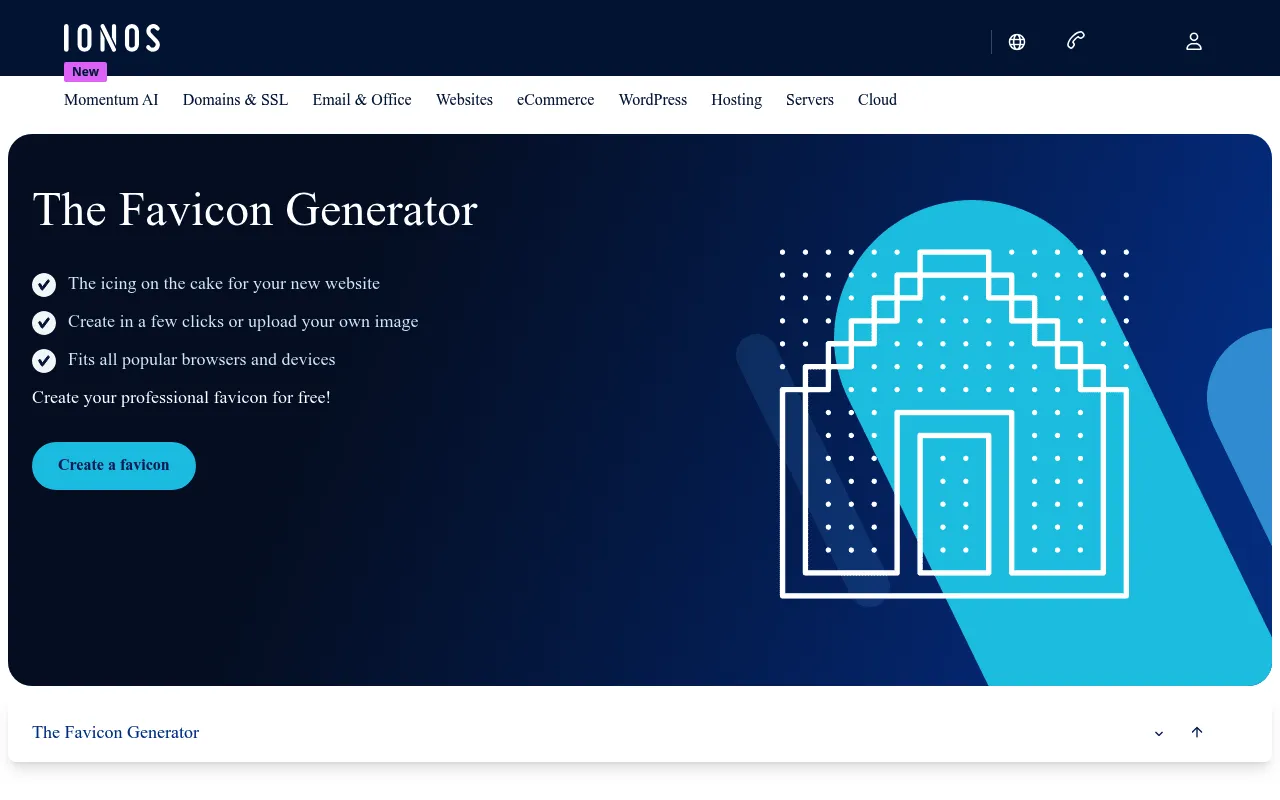
The IONOS Favicon Generator is a flexible free tool that lets you create a favicon three ways: draw it on a pixel grid, upload an existing image, or generate one from initials with a chosen background. It exports the standard favicon files and requires no account, making it a solid pick when you want options in a single tool without signing up for anything.
- Three creation modes in one place
- Initials-to-favicon option
- No sign-up required
- Standard file export
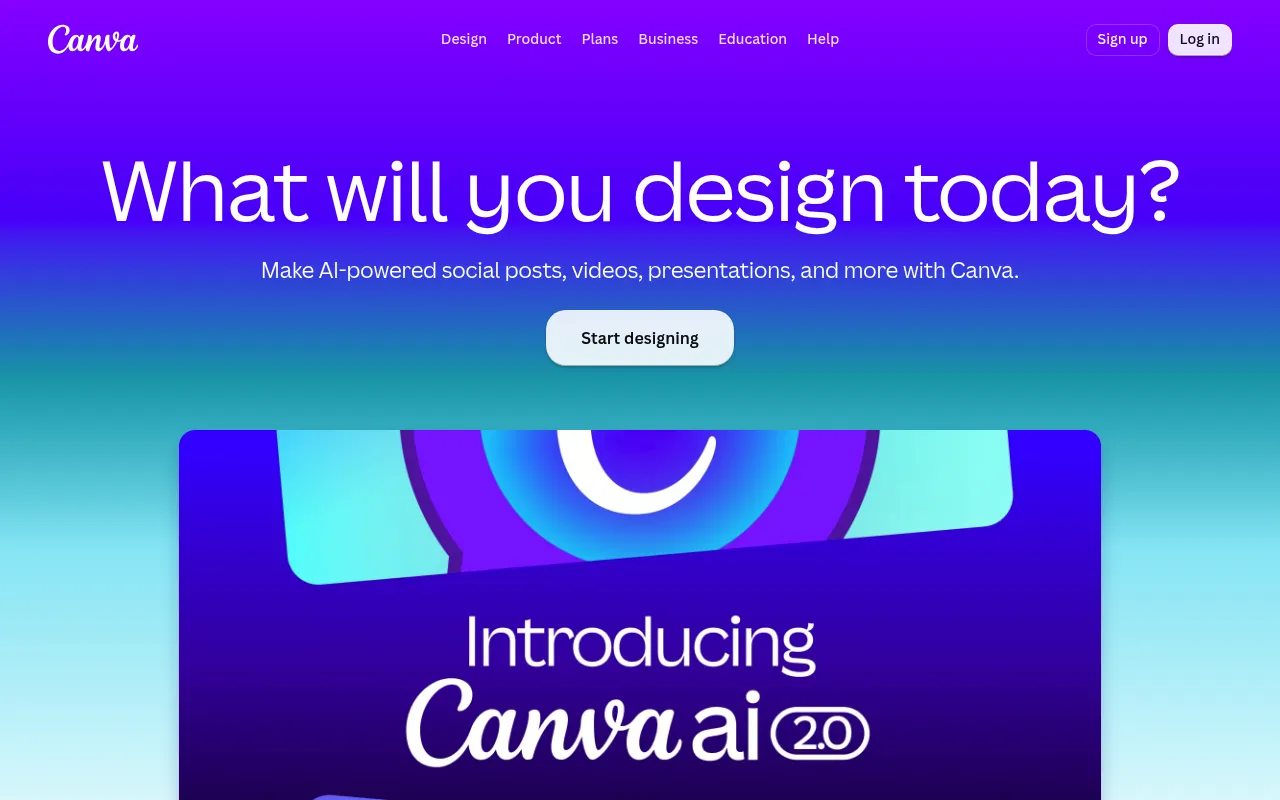
Favicon by Canva
Design a favicon with full graphic-design tooling.
If you want more than a shrunk logo, Canva lets you design a favicon with the same drag-and-drop editor you'd use for any graphic. Start from a small square canvas, pull in shapes, icons, and fonts from its huge library, then export a high-resolution PNG to run through a favicon converter. It's the most flexible option here creatively, at the cost of an extra export-and-convert step.
- Full drag-and-drop design editor
- Huge library of shapes, icons, and fonts
- Reuse brand colors and assets
- High-resolution PNG export
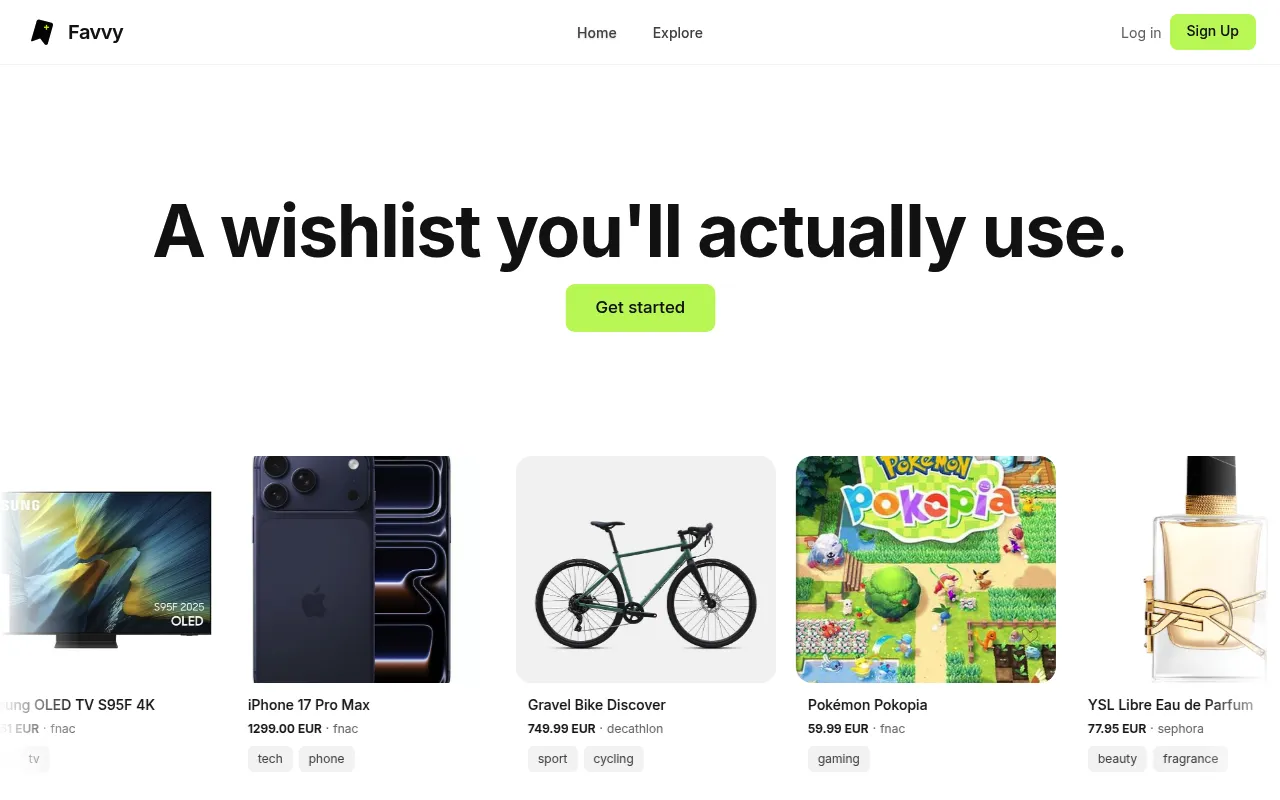
Favvy
Generate a favicon straight from your design in Figma.
Favvy is aimed at designers who already work in Figma. Instead of exporting artwork and running it through a separate converter, you generate your favicon package directly from your Figma frame, keeping the icon perfectly in sync with your brand. It produces the standard sizes and files you need, which makes it a natural fit for teams whose design source of truth already lives in Figma.
- Generate favicons directly from Figma
- Keeps the icon in sync with your design
- Exports the standard favicon sizes
- No separate export-and-convert step
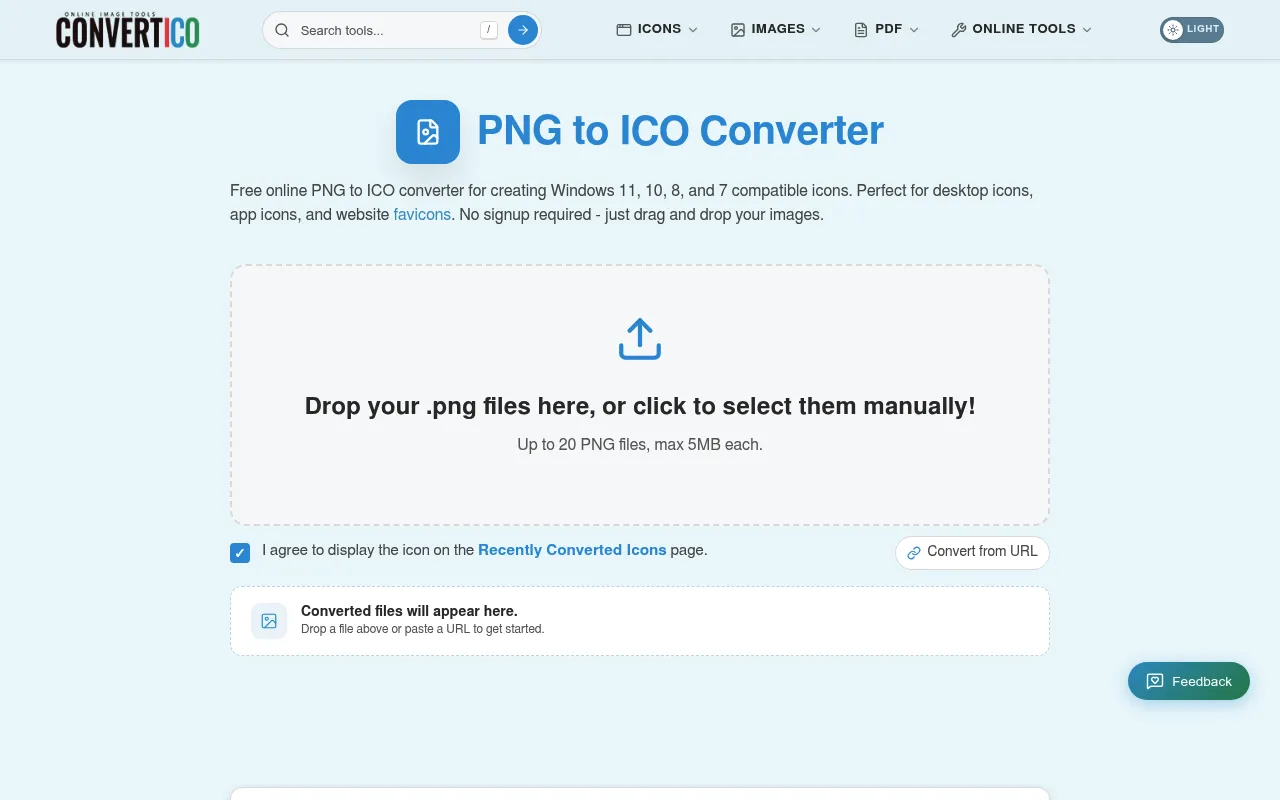
ConvertICO
A dead-simple PNG-to-ICO (and back) converter.
ConvertICO strips favicon creation down to its essence: convert PNG images to ICO files, or ICO back to PNG, in a couple of clicks. It doesn't design anything for you, but when you already have finished artwork and just need it in the ICO format that older browsers expect, it's one of the quickest, most no-nonsense converters available — batch conversion included.
- Fast PNG-to-ICO conversion
- Reverse ICO-to-PNG conversion
- Batch processing
- No account required
How to choose the right favicon generator
The best favicon generator depends on what you're starting with. If you already have a logo or square graphic, a straightforward upload-and-download tool like Favicon-Generator.org, Favicomatic, or ConvertICO will get you a finished package in seconds. If you're starting from nothing, a design-first tool like Formito, Canva, or Favicon.io's text mode lets you compose a mark without ever opening an image editor.
The second question is how much platform coverage you need. A simple blog can get away with an ICO and a couple of PNG sizes. But if you're shipping a real product — especially one people might add to their phone's home screen — you'll want the full set: Apple touch icons, Android and PWA sizes, Windows tiles, and a web app manifest. That's exactly where RealFaviconGenerator shines, because it previews and optimizes each platform individually and validates the result.
Finally, think about control versus speed. Pixel editors like Favicon.cc give you total command over a tiny 16×16 canvas, which is perfect for a crisp, deliberate mark but slower than an upload. Automated generators trade that fine control for near-instant output. Most teams are best served by a fast generator for the heavy lifting, reaching for a pixel or design tool only when the auto-scaled version doesn't look sharp enough.
Favicon best practices: sizes, formats, and design
Start from a high-resolution, square source image — ideally 512×512 pixels or larger. Every generator downscales from your original, so a large, clean source produces sharp icons at every size, while a small or rectangular one leads to the blur and distortion people complain about. Design at large size, then check how it holds up small.
Keep the design radically simple. A favicon is often rendered at just 16×16 pixels, so fine detail, thin lines, small text, and subtle gradients all disappear or turn to mud. Use one or two colors, a single strong shape or letter, and high contrast against both light and dark tab backgrounds. A common mistake is trying to cram an entire detailed logo into the square — a simplified symbol or monogram almost always reads better.
For formats, ship an ICO file for maximum compatibility plus PNG versions at 16×16, 32×32, 180×180, 192×192, and 512×512. If you want to go further, add an SVG favicon: it stays crisp on high-DPI screens and can respond to the user's color scheme. The generators on this list handle these size sets automatically, so your job is mostly to supply good artwork and paste in the resulting tags.
Dark mode, SVG, and progressive web apps
Modern browsers increasingly render tabs in both light and dark themes, and a favicon that looks great on white can vanish against a dark tab. Test your icon on both backgrounds. SVG favicons are the most elegant fix here — because they're code, you can use a CSS media query inside the SVG to swap colors when the user is in dark mode, giving you one file that adapts automatically.
If your site is a progressive web app, the favicon story extends into the web app manifest. The manifest defines the larger 192×192 and 512×512 icons used on Android home screens and splash screens, along with your app name, theme color, and background color. Getting these right is what makes an installed PWA feel like a native app rather than a bookmark. RealFaviconGenerator and similar full-featured tools generate a correct manifest for you, which saves a surprising amount of trial and error.
How we evaluated these favicon generators
We assessed each tool across five criteria: input flexibility (can you upload, draw, or design from text and emoji?), output completeness (does it produce the ICO, PNG sizes, touch icons, and manifest a real site needs?), platform coverage and previews (how well does it show and optimize for iOS, Android, and desktop?), ease of use (how fast can a non-designer get a working favicon?), and cost (all picks have a genuinely free path). We prioritized tools that produce standards-compliant packages you can install with confidence, and we noted where a tool is best used for a specific job — pixel art, cropping, pure conversion — rather than the whole workflow.
Frequently asked questions
What is a favicon and why does it matter?
A favicon (short for 'favorite icon') is the small square image that appears in a browser tab, bookmark bar, history, and search results next to your page. It's tiny but important: a clear favicon makes your site instantly recognizable among a wall of open tabs, reinforces your brand, and signals a polished, professional site. Search engines like Google also display favicons in mobile results, so having one can subtly improve your click-through rate.
What's the difference between ICO, PNG, and SVG favicons?
ICO is the classic favicon format and can hold several sizes in one file, which is why older browsers and Windows still expect it. PNG favicons are widely supported by modern browsers and are easy to generate at specific sizes like 16×16, 32×32, and 180×180. SVG favicons are vector-based, so they stay crisp at any size and can even adapt to dark mode — but they aren't supported everywhere yet. The safest setup is to ship an ICO plus a few PNG sizes, and optionally an SVG for modern browsers.
What size should a favicon be?
There's no single size — you should provide several. At minimum, include 16×16 and 32×32 for browser tabs, 180×180 for the Apple touch icon on iOS, and 192×192 and 512×512 for Android and progressive web apps. The good news is that every generator on this list creates all of these sizes for you automatically from one high-resolution source image, so you don't have to export each one by hand.
Are these favicon generators really free?
Yes. Every tool on this list has a free way to create and download a working favicon package. A couple, like Canva, are full design platforms with optional paid tiers for advanced features, but you can still design a favicon and export it on the free plan. Dedicated tools like Favicon.io, RealFaviconGenerator, and Favicon.cc are completely free with no sign-up required.
How do I install a favicon on my website?
First, generate your favicon package and upload the files (typically favicon.ico plus the PNG sizes and a site.webmanifest) to your website's root directory. Then paste the HTML link tags — which every generator provides for you — into the <head> section of your pages. On WordPress you can skip the code and upload a 'Site Icon' under Appearance → Customize, and most site builders like Wix, Squarespace, or Shopify have a favicon upload field in their settings.
Why does my favicon look blurry or not update?
Blurriness usually means your source image was too small or wasn't square — always start from a high-resolution square graphic so the tool can downscale cleanly. If a new favicon isn't showing up, it's almost always browser caching: try a hard refresh, clear your cache, or view the page in a private window. It can also take some time for search engines to re-crawl and update the favicon they display.
Do I need a web app manifest for my favicon?
You need a web app manifest (site.webmanifest) if you want your site to be installable as a progressive web app or to control the icon and theme color shown when users add it to an Android home screen. For a standard website, it's optional but recommended — tools like RealFaviconGenerator generate it automatically, so there's little reason to skip it.
The bottom line
For most people, Favicon.io is the fastest path to a great favicon — text, emoji, or image in under a minute, with a complete package and HTML snippet ready to paste. If you're shipping a real product and want pixel-perfect icons on every device plus a validated web app manifest, RealFaviconGenerator is worth the extra minute. And when you need something specific — hand-drawn pixel art (Favicon.cc), cropping before export (Genfavicon), or a straight PNG-to-ICO conversion (ConvertICO) — reach for the tool built for that one job.
Built a design or developer tool?
List your product on our directory to get a permanent dofollow backlink, an AI-powered review, and visibility across Google, ChatGPT, Claude, and Perplexity.