
Dev Tools
Claude Code vs Cursor: Which AI Coding Tool Should You Use?
Both are among the best AI coding tools of 2026, but they take opposite approaches. Here's how Claude Code and Cursor compare on workflow, learning curve, models, and pricing — and which one fits you.
Last reviewed: July 2026
The short answer
Choose Claude Code if you want a hands-off experience: describe what you want in plain English and let an AI agent build and edit your project while you review. It's the easier path for non-coders and for developers who'd rather delegate whole tasks.
Choose Cursor if you're comfortable in a code editor and want AI to accelerate your work while you stay in control. Built on VS Code, it keeps you hands-on, editing and reviewing code with AI at your side.
What each one is
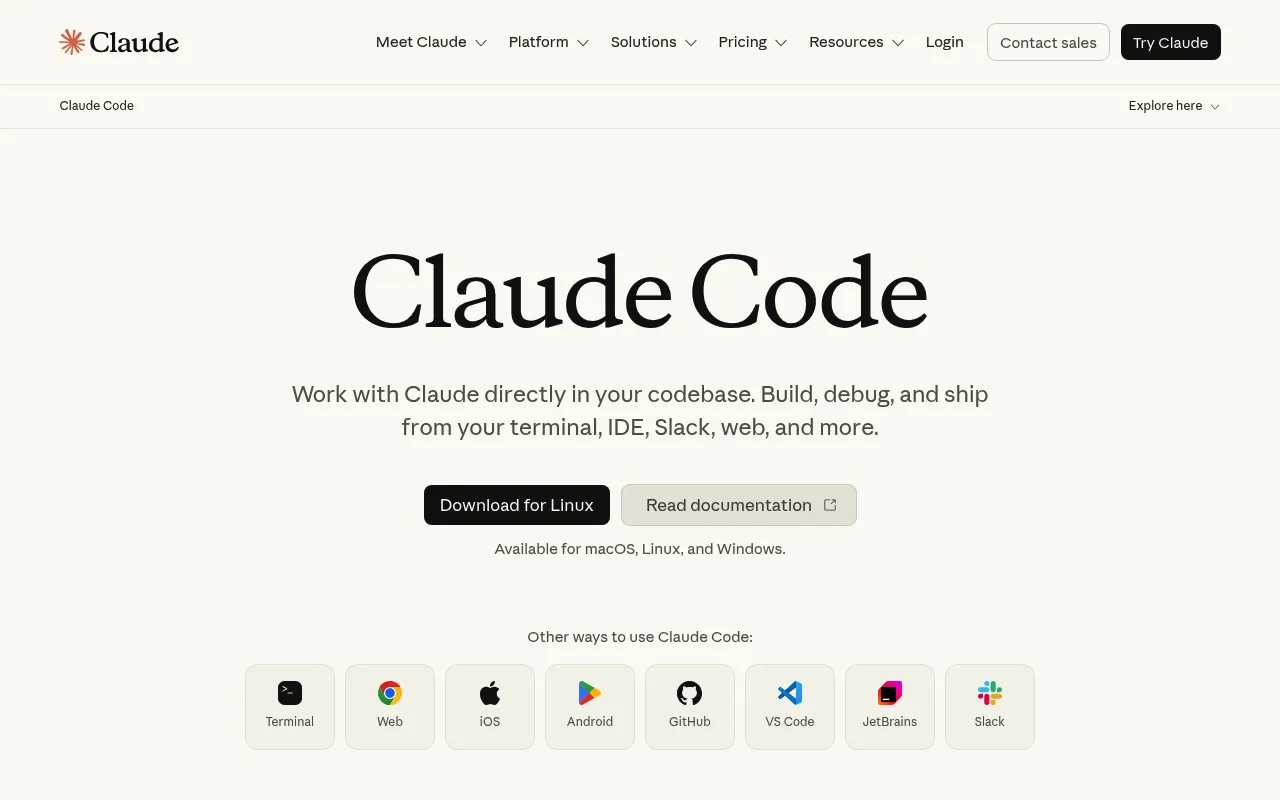
Claude Code
An AI agent that builds and edits your project from plain English.
Claude Code is Anthropic's agentic coding tool. You describe what you want in natural language and it plans the work, reads and writes files across your whole project, runs commands, and reports back — you review and approve rather than typing the code yourself. It runs in the terminal, in your IDE, or as a desktop app, which makes it approachable even if you've never opened a code editor. Because it works at the level of tasks ("add a contact form", "fix this bug") it shines on multi-file changes.
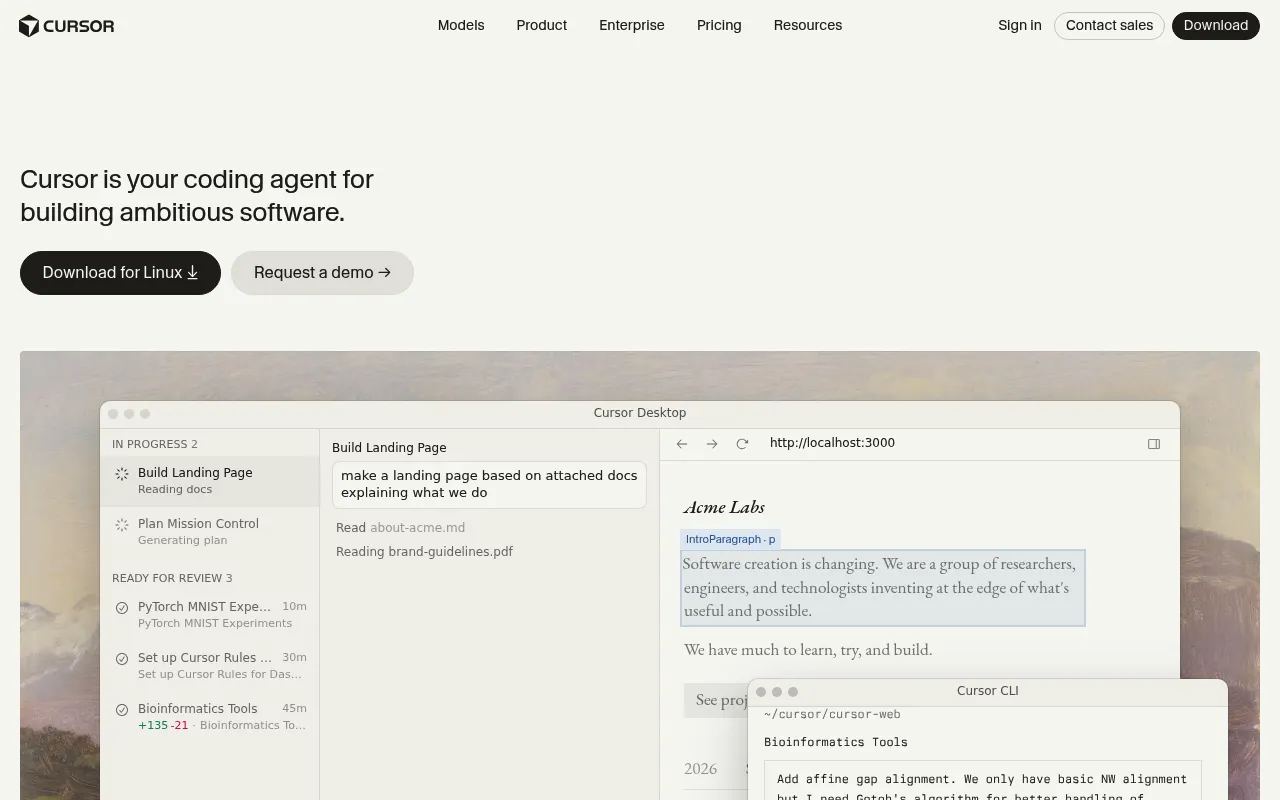
Cursor
An AI-native code editor where you stay hands-on in the code.
Cursor is a fork of VS Code with AI woven into the editor. You still write and read code yourself, but AI helps at every step — autocompleting multi-line edits, answering questions about your codebase, and applying changes you request in a chat panel. Its agent mode can also take on larger tasks, but the whole experience is built around a developer who wants to stay in the driver's seat. If you already live in VS Code, Cursor feels instantly familiar because your extensions, themes, and keybindings carry over.
How they compare
| Claude Code | Cursor | |
|---|---|---|
| What it is | An AI agent that executes tasks you describe in natural language. | An AI-enhanced code editor (VS Code fork) you work in directly. |
| Where you work | Terminal, IDE, or a standalone desktop app. | Inside the Cursor editor on your desktop. |
| Learning curve | Low — describe the outcome and review changes. | Medium — you need to be comfortable reading and editing code. |
| How much it does for you | High — plans, edits multiple files, and runs commands autonomously. | Moderate — assists and can automate, but you stay hands-on. |
| Best if you already use | Nothing in particular — it meets you where you are. | VS Code — your setup, extensions, and shortcuts carry over. |
| Models | Claude models (Anthropic's latest Opus, Sonnet, and Haiku). | A choice of models from multiple providers, including Claude and GPT. |
| Codebase awareness | Reads across the whole project on its own to gather context. | Indexes your codebase so chat and edits understand the project. |
| Team features | Centered on individual usage and plans. | Team plan adds shared billing, admin controls, and collaboration. |
| Best for | Hands-off automation and large multi-file changes. | Fine-grained control while editing and reviewing code. |
Which should you choose?
If you're a non-coder building a website
Claude Code is the smoother path. You can describe what you want in plain English and let the agent do the work, reviewing changes as they happen. You never have to learn an editor's interface or understand every line — you steer with words and approve the results.
If you're a beginner curious about coding
Cursor is a great teacher. Because you stay in the editor and watch the AI make and explain changes, you gradually learn how code fits together. It's more involved than Claude Code, but that involvement is exactly what helps the concepts stick.
If you're a developer who lives in an editor
Cursor will feel like home. It's built on VS Code, so your extensions, themes, and keybindings come with you, and the AI accelerates the workflow you already have instead of replacing it. You keep tight control over every change.
If you're an experienced programmer
You'll likely reach for both. Cursor is ideal for focused, in-file edits and quick questions about the codebase, while Claude Code is better for larger, multi-file tasks you'd rather delegate end to end. Many developers keep both open.
Pricing
Claude Code
- Free: limited access to try it out
- Pro: $20/month (about $17/month billed annually)
- Max: from $100/month for heavy usage and higher limits
- Extra usage beyond plan limits is billed on top
Cursor
- Hobby: free tier with limited AI usage
- Pro: $20/month for higher limits and full features
- Teams: $40/user/month with admin and collaboration tools
- Extra usage beyond plan limits is billed on top
Can you use both?
Yes — and plenty of developers do. The two tools aren't mutually exclusive; they cover different parts of the workflow. Cursor is excellent for detailed, hands-on editing and understanding a file, while Claude Code is better when you want to hand off a whole task and review the result.
A common setup is to use Cursor as your day-to-day editor and call on Claude Code for bigger jobs — scaffolding a new feature across several files, doing a large refactor, or fixing a bug that spans the codebase. Because both can use Anthropic's Claude models, you get a consistent quality of reasoning whichever one you're in.
The verdict
There's no single winner — it comes down to how much you want to do yourself. Claude Code is the easier path if you'd rather describe what you want and let an agent handle the details, which makes it ideal for non-coders and for delegating large, multi-file changes. Cursor is the better fit if you enjoy being in an editor and want fine control over every change, especially if you already use VS Code. And if you're an experienced developer, the honest answer is that you'll probably use both — Cursor for hands-on editing and Claude Code for the bigger jobs.
Frequently asked questions
Is Claude Code or Cursor better for beginners?
It depends on your goal. If you want to build something without learning to code, Claude Code is easier because you describe what you want in plain English and approve the changes. If you want to learn coding as you go, Cursor is better because you stay in the editor and see exactly what the AI changes and why.
Do Claude Code and Cursor use the same AI models?
There's overlap. Claude Code runs on Anthropic's Claude models. Cursor lets you choose from several models across providers, including Claude and OpenAI's GPT models, so you can pick the one that works best for a given task. If you specifically want Claude's reasoning, both tools can give it to you.
Is Cursor just VS Code with AI?
Essentially, yes — Cursor is a fork of VS Code with AI features built deeply into the editor. That's a big advantage if you already use VS Code, because your extensions, themes, and keyboard shortcuts carry over and everything feels familiar from day one.
Can you build a full website with either tool?
Yes. Both can build complete websites and web apps. With Claude Code you describe the site and the agent builds and edits the files for you; with Cursor you build it in the editor with AI assistance. The right choice comes down to how hands-on you want to be, not what's technically possible.
How much do Claude Code and Cursor cost?
Both have free tiers and $20/month paid plans. Claude Code's paid plans are Pro at $20/month (around $17/month billed annually) and Max from $100/month for heavy usage. Cursor offers a free Hobby tier, Pro at $20/month, and Teams at $40/user/month. Both can charge extra for usage beyond your plan's limits.
Do I need to know how to code to use Claude Code?
No. Claude Code is designed so you can describe tasks in natural language and review the results, which is why it's popular with non-coders and beginners. Some technical understanding helps you review changes with confidence, but it isn't required to get started.
Which one is better for large, multi-file projects?
Claude Code has the edge on large, cross-file work. Because it operates as an agent that reads and edits across your whole project and runs commands, it's well suited to tasks like scaffolding a feature, doing a big refactor, or tracking a bug through many files. Cursor can handle multi-file changes too, especially in agent mode, but its sweet spot is focused, hands-on editing.
Can I use Claude Code inside Cursor?
You don't need to — they're separate tools — but they coexist well. Many developers run Cursor as their editor and open Claude Code in a terminal alongside it for bigger tasks. Since both can use Anthropic's Claude models, you get consistent reasoning whether you're editing hands-on in Cursor or delegating a task to Claude Code.
Is Cursor or Claude Code better for a team?
Cursor has more built-in team tooling: its Teams plan adds shared billing, admin controls, and collaboration features at $40/user/month. Claude Code is more oriented around individual usage, so teams often standardize on Cursor as the shared editor while individual developers use Claude Code for heavier tasks.
Built an AI coding or developer tool?
List your product on our directory to get a permanent dofollow backlink, an AI-powered review, and visibility across Google, ChatGPT, Claude, and Perplexity.