
Overview
BlazePDF is a desktop PDF reader built specifically for academic study workflows. It merges reading, annotation, page organization, and printing into a single local workspace, positioning itself as a focused alternative to general purpose PDF editors that treat students as an afterthought.
Key Features
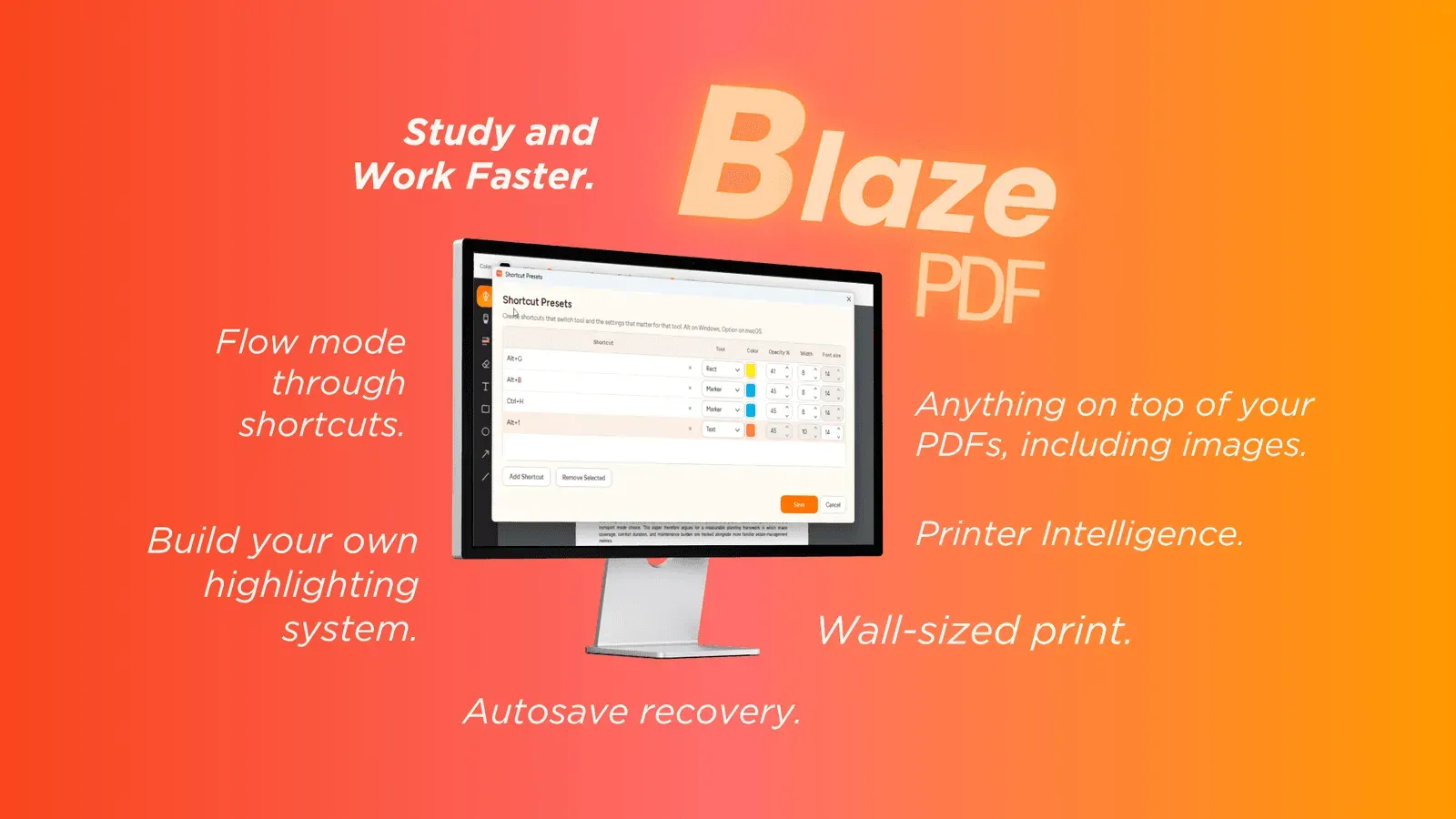
- Flow Mode annotation: a keyboard-first approach that keeps attention on the document instead of toolbars. Tools cover pen and marker strokes, word-aware highlights, editable text boxes, shapes, arrows, lines, and images, along with erasing, undo and redo. Presets restore saved color, width, and opacity settings with one shortcut.
- Page tools and export: blank pages can be inserted, pages reordered, and images imported, with visible PDF export once edits are complete. Annotations are saved as editable BlazePDF metadata, so marks stay changeable when a document is reopened.
- Smart Duplex and Poster Enlargement: Smart Duplex prepares two-sided output for printers that need a manual second pass and explains how to reload paper. Poster Enlargement tiles a large diagram across multiple sheets with a preview of the assembly, and the print plan is shown before the job begins.
- Local-first privacy: reading, annotating, searching native PDF text, and exporting run offline with no account required. Account and AI OCR features are separate opt-ins, and document content is not used to train generalized AI models.
Target Audience
BlazePDF targets students working through lecture slides, readings, revision notes, textbook chapters, research papers, and past papers, though its print utilities may also suit anyone handling duplex or oversized documents.